
Driving Altium with MCP: what actually works today
AI agents like Claude™ can talk to tools today via the Model Context Protocol (MCP)™. For software tools this has become everyday, even 3D programmes like Blender® now have an official MCP interface (Beta from Blender 3.0, production-ready as of Blender 5.1), which is genuinely great in practice. For ECAD it has not: to our knowledge Altium Designer® has no official MCP interface for automation. This article sums up what we at swissEmbedded have learned across several projects, and which three paths actually work in practice.
The official path is dead
Altium ran an “Altium Developer Program” with SDK access. Our experience with it is sobering: requests to the intended address DXPDeveloper@altium.com go unanswered, we wrote twice. No SDK access, no reply, no public documentation on the state of the programme. Anyone who plans their automation on this path plans into a void. It has to be said this bluntly: the programme has probably effectively been shut down, or at least that is our assumption. A sideswipe, allowed: whoever in 2026 still runs their automation interface on DelphiScript will not be moving it to MCP overnight either. But maybe they will reply yet.
That is no reason to give up. There are two viable technical paths into Altium, and combined they form a full MCP server.
Path 1: the scripting mailbox
Altium Designer has always shipped with a built-in scripting environment (DelphiScript, with access to the full schematic and PCB object model including the ECO mechanism). It is meant to be interactive, but it can read and write files. That is exactly what the mailbox architecture builds on, as implemented for example by the open-source project coffeenmusic/altium-mcp:
- The MCP server drops jobs as files into a mailbox directory.
- A resident script inside Altium polls the mailbox, executes the job (for example export a netlist, place a component, apply an ECO, generate outputs) and writes the result back as a file.
- The MCP server reads the result and hands it to the agent.
Advantages: full API power inside Altium, including everything that requires the running application. Disadvantages: Altium must be running, there is exactly one instance, and error handling through a file mailbox demands discipline (timeouts, job IDs, clean status files). We have validated this path, it holds.
Path 2: direct file format access with AltiumSharp
The second path works entirely without a running Altium: SchDoc, PcbDoc, SchLib and PcbLib are OLE compound files with a well-reconstructed binary format. The open-source library AltiumSharp reads and writes these formats headless.
What this makes possible in practice, all in real use:
- Generate schematics instead of drawing them: complete multi-sheet projects (symbols, wires, net labels, ports, sheet symbols for hierarchical designs, project file) emerge from code. A generator run is reproducible, diffable and versionable.
- Machine verification: the library solves the netlist of the generated schematic, including hierarchy through ports and sheet entries. We verify every generated board against a hand-written target netlist (every pin individually), plus a geometry audit (junction rules, label-on-wire, text collisions). Only when both stand at zero findings is the schematic considered done. This catches classes of errors that a human reviewer will reliably overlook.
- Read and generate libraries: existing corporate SchLibs are loaded as a symbol source (the schematics reference the real library parts with all their parameters), missing footprints are generated as PcbLib according to manufacturer data, with an automatic read-back comparison of all pad positions as a self test.
- Rendering: PNG previews of the sheets straight from the generator, for reviews without an Altium licence at the workplace.
The limit of this path: everything that strictly requires Altium’s own engine (interactive routing, ECO into an existing PCB, output jobs) stays outside.
Path 3: combining both paths
The two paths complement each other exactly where the other one stops. Only the combination of the two is truly useful. In our projects we combine coffeenmusic/altium-mcp for everything that strictly needs the running Altium instance with AltiumSharp for all headless reading, writing and verification steps. From the agent’s perspective it looks like a single unified MCP tool set.
This enables workflows that used to cost days: an agent reads the existing company library, takes over proven device sheets unchanged, generates the project-specific sheets according to an architecture brief, verifies every connection mechanically and delivers renderings for review, in hours, with a verification report.
What we learned
- Verification is not optional. Generated schematics without a machine target-versus-actual netlist comparison are a risk, not progress. The library’s solver makes the comparison cheap.
- Libraries are read-only. The generator reads corporate libs but never writes them. New parts live in their own files.
- Test round-trip. Whoever writes binary formats reads back every generated file immediately and compares, every deviation is a bug before Altium ever sees it.
- Do not wait for the vendor. A dead developer programme is annoying but no blocker. File format plus scripting together cover more than the SDK ever offered publicly.
- PDF works as a template. Even a Corel diagram from 2008, pulled from a PDF, can be pushed into a new schematic. When no clean source format exists anymore, the PDF is a pragmatic starting point. But watch out: a speck of dirt on the old copy quickly turns into a net junction.
- Aesthetics remain manual work. You can argue at length about what makes a schematic look good. The MCP will happily draw a line across other nets and never notice. It is a real productivity boost, but certainly not the tool where at the push of a button the Gerber files pop out and the board is done.
- Trust is good, control is better. In software an iteration is cheap. In hardware it is expensive. Every generated result therefore has to be reviewed down to the detail (footprints included) before it moves anywhere near manufacturing.
References
Open-source foundation of the described tool chain:
- coffeenmusic/altium-mcp on GitHub — MCP server and DelphiScript counterpart for the live instance
- AltiumSharp on GitHub — .NET library for headless reading and writing of SchDoc, PcbDoc, SchLib, PcbLib
- Model Context Protocol on GitHub — spec, SDKs and reference implementations
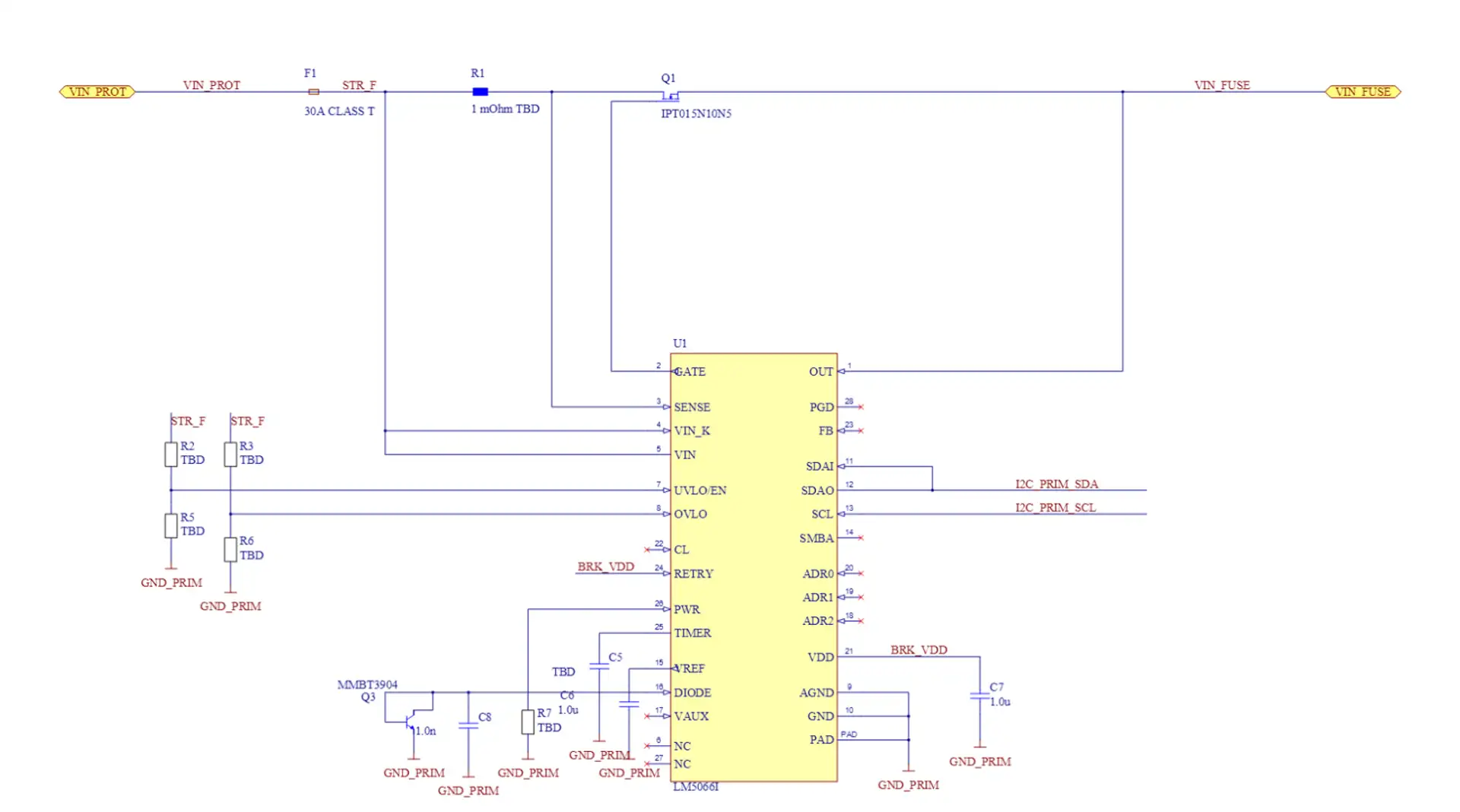
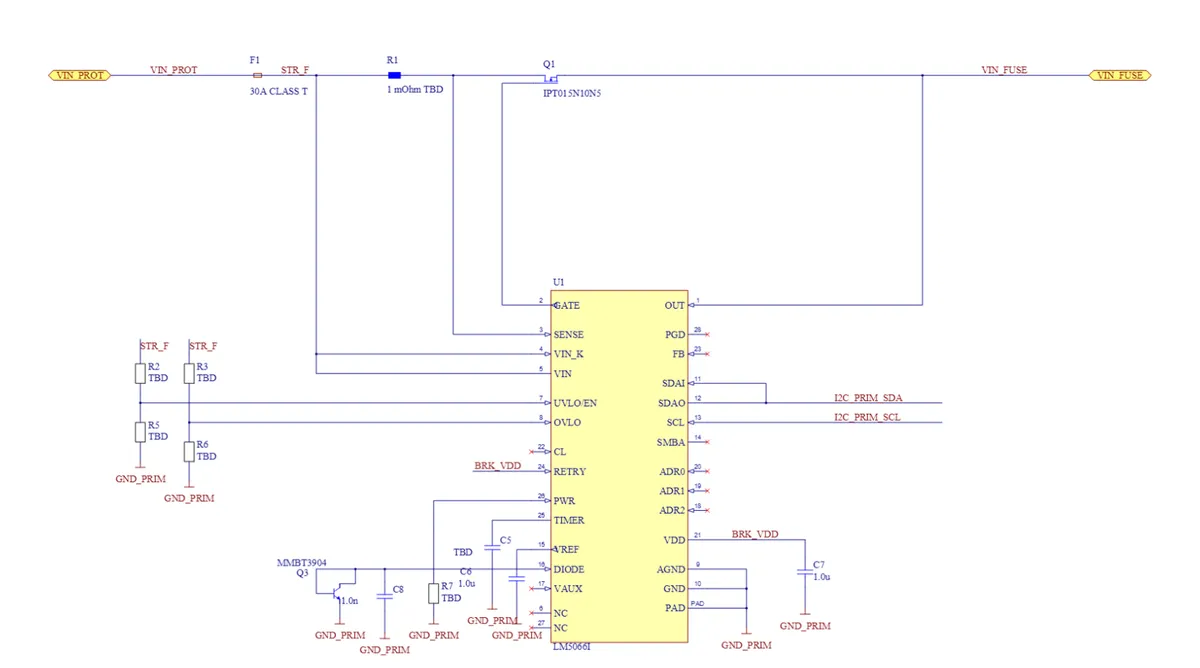
The schematic excerpt shown in the title image is a hot-swap controller based on Texas Instruments LM5066I:
Keywords: Altium Designer, AltiumSharp, coffeenmusic altium-mcp, Model Context Protocol, automate Altium with AI, PCB design automation, netlist verification, ECAD consulting, DelphiScript, Embedded Consulting Switzerland, swissEmbedded firmware engineering Zurich
Automate Altium, generate schematics, speed up PCB reviews? We bring existing MCP building blocks, headless AltiumSharp and machine netlist verification into your Altium tool chain. From an architecture brief to a verified schematic with review rendering, reproducible and diffable.