
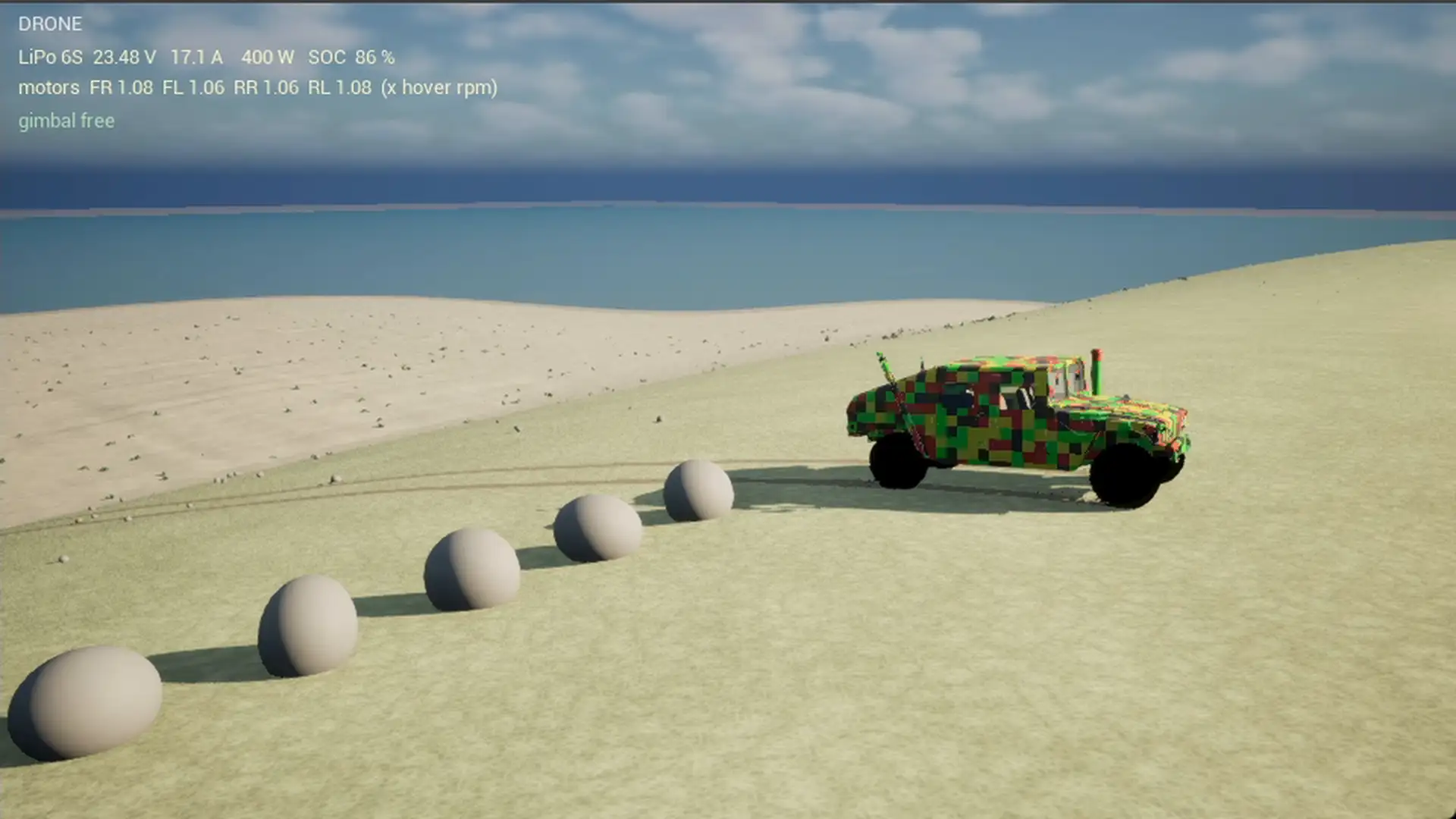
Chrono in Unreal, part 2: the architecture of the integration
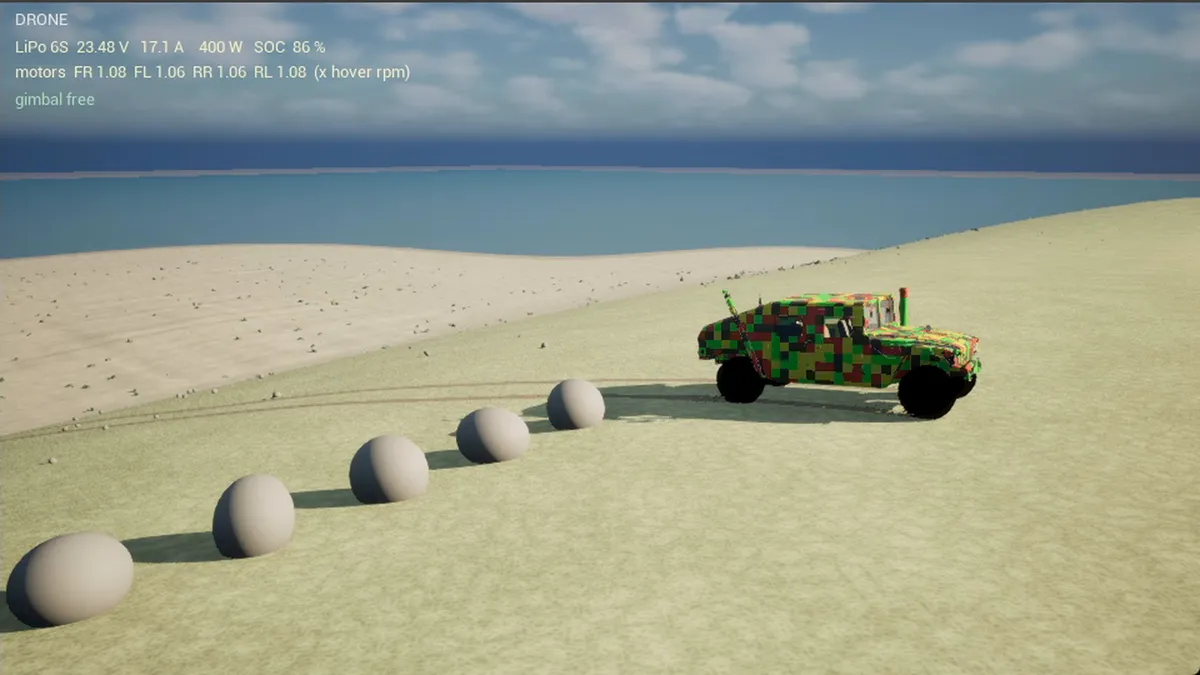
Part 1 showed what the demo does and why Project Chrono®. This part describes the setup: how the library gets into the engine, which classes there are, what happens in a frame and in which order, and by which pattern own models attach to Chrono. It is the part you need if you want to rebuild this. The traps are in part 3.
The demo the series is about. On YouTube in 1080p the console is readable.
The library
Chrono 10.0 is built from source, as a shared library with the vehicle module, without demos and without SIMD. The last point is decisive: Unreal® compiles without AVX, and a Chrono library with SIMD has different structure layouts at the interfaces. On top of that Eigen 5 as a header library. The build configuration is a PowerShell® script, twelve minutes on a Ryzen® 5 7600.
Two modules, one plugin
The integration is an Unreal plugin in C++.
The external module knows the include paths and import libraries and copies the Chrono DLLs next to the engine binaries. Delay loading, the usual route for external DLLs in Unreal, does not work, because Chrono exports data as well as functions. A small preload module therefore loads the DLLs explicitly in the earliest loading phase of the plugin.
The runtime module has exceptions and RTTI switched on, Chrono needs both and both are off by default in Unreal modules. The Chrono headers are included in exactly one place, in a header that first saves away the macros the two worlds argue about: check, PI, TEXT and a few more. No other file includes Chrono directly.
The classes
ChronoWorldActor, one per level. It holds the ChSystem, the terrain and the soil parameters, and it is the only place where the physics steps. Three terrain modes: flat, rigid heightmap, deformable sand corridor according to the Soil Contact Model (SCM). It manages the force accumulators through which own models apply forces to Chrono bodies, the start countdown for recordings, the visible wave grid, the stones and the jetty as rigid bodies, and the reset.
ChronoVehiclePawn, the vehicle. It holds the Chrono vehicle (the heavy 4x4 from the model library, HMMWV® model), the inputs from Enhanced Input, the autopilot, the cameras, the effects and the measured values for the HUD. The chassis mesh comes from 53 individual parts of the Chrono data directories.
ChronoParasail holds boat, line, canopy and pilot as bodies in the same system, with the boat’s autopilot and the boat’s lights; ChronoParasailKite is the visible canopy with pilot as an actor of its own, so the drone can film it as a target. The model is in part 6.
ChronoDrone was a kinematic actor and is now a Chrono body with rotors, controller and battery model, part 7.
ChronoPufferfish, ChronoPedestrian, ChronoBeachBall, ChronoBeachGame: kinematic actors for the staging. They know the world actor for the terrain height and the water surface, but not Chrono.
ChronoHUD draws the telemetry, the additional views from render targets and the windscreen droplets.
Four Synth Components for ground, engine, drone and the boat’s outboard generate the sound in the audio thread from parameters that the game thread sets every frame. More on that in part 4.
One frame, in order
The tick of the vehicle is the actual integration. In this order:
- Read inputs: gamepad or autopilot. The autopilot is a phase machine with target points and a Pure Pursuit controller, plus guards that apply in every phase: pedestrian and ball with braking distance estimate, rocks with evasion on the free side, reversing after a standstill.
- Compute own forces and write them into the accumulators: water, stops, shift decision.
- Chrono steps, in fixed sub-steps of 2 ms, as many as have elapsed since the last frame, at most for 34 ms. Boat, line, canopy, pilot and drone get their forces not per frame but in a callback per substep: a line going taut and the rotors react faster than a frame lasts, and a force held constant for 16 ms turns a joint into a spring.
- Read transforms of chassis and wheels from Chrono and set them on the Unreal components. Nothing more happens on the presentation side.
- Derive effects from the states: tracks, spray, windscreen droplets, events for the sound such as water entry, landing or direction change of the suspension.
- Measured values for the HUD and the log lines for the performance measurement.
The cameras and the drone tick afterwards, with the finished transforms.
The staging: events, not a clock
The demo runs nine minutes without intervention, and it has to show the same thing every run although the physics is not reproducible to the second: a wheel grips earlier once, the boat beaches later once, the battery is at 15 percent at 487 seconds once and at 490 the next time. So the choreography does not hang on a clock but on states. The vehicle pawn is the conductor. It knows the autopilot’s phases, the state of drone and parasail, and it switches the scenes on events:
- The differentials lock when the vehicle drops under 8 km/h on the dune with its nose above 4 degrees, not at second 68.
- The plunge off the jetty triggers the sinking, the sinking the pufferfish and the drone’s lap. The camera is meant to switch to the parasail once the vehicle sits fully on the bottom; in the shown run it switches nine seconds after the water entry, while the roof is going under, because the condition checks the world clock against a point in simulation time and fires twenty seconds early while the recording countdown runs. The picture was kept as it was recorded.
- The evening begins when the drone has arrived up on the dune crest. From that moment the clocks of the night count: moonrise 78 seconds later, beach run 100 seconds later, because the moon has to be up before the beaching and the order, not the absolute time, is the point.
- The drone’s return begins when the canopy has landed and the battery is at 15 percent; the forced landing at 10, the shutdown at 8. The pufferfish come one last time when the drone sits on the water, and the game ends two seconds after the shutdown.
Every trigger has a fallback: if the drone does not reach the crest, the evening begins 135 seconds after the sinking; if the canopy does not land, the drone leaves 240 seconds after the dusk anyway; if the boat does not come to rest, it counts as beached eight seconds after the first ground contact. A fallback is never the pretty variant, but it is the reason every run comes to an end and yields a video.
Two things proved themselves. Every trigger writes a log line with time and state, “Dusk begins at t=342.6 (drone on the crest)”, and the line is the proof, not the impression while watching; the timeline of a run can be reconstructed from the log alone. And the scenes can be started individually: one console variable puts the vehicle into a phase, for instance sunk off the jetty at the measured position, another accelerates the battery, a third takes screenshots at fixed times. The end of the demo can thus be checked in five minutes instead of nine, and with every rebuild of the night that was the difference between one run and four. The whole programme with its phases and fallbacks is in part 9.
Coordinates
Chrono is right-handed, Z up, metres. Unreal is left-handed, Z up, centimetres. The conversion mirrors Y, scales by 100 and turns the quaternion around: Chrono (w, x, y, z) becomes Unreal FQuat(-x, y, -z, w). Steering is positive to the left in Chrono, positive to the right in Unreal. All conversions live in a single header, and every own force is formulated in Chrono coordinates, never in Unreal coordinates and then converted.
The time step
Fixed steps of 2 ms, at 60 frames per second eight per frame. The physics has a constant time step, independent of whether the frame finishes in 8 or in 25 ms. Catching up is limited to two frames, the rest is dropped, otherwise a long frame drags ever more sub-steps behind it. For recordings there is a countdown during which the system stands still and drone and driver figure wait.
Terrain from a file
A Python script computes the island as a 16 bit height map with 1009 by 1009 pixels, one metre per pixel, height encoded as 32768 plus height in metres times 128. Unreal imports the same file as a landscape and Chrono reads it for the rigid terrain. For the deformable corridor the script writes a section into a second file. The script also knows the course: sandbank, cobblestone field, washboard track, jump with an 11 degree approach, dune with a 140 m windward slope, north beach with a 2.5 cm drop per metre, the 4.5 m deep basin in front of the jetty.
The Soil Contact Model computes according to Bekker and Janosi: the tyre presses into a grid of soil nodes, the nodes sink in, compact and push material to the side. Three soil presets, meant as starting values:
| Preset | Kphi [Pa/m^n] | Kc | n | Cohesion [Pa] | Friction angle | Janosi [m] |
|---|---|---|---|---|---|---|
| Dune sand dry | 8e5 | 500 | 1.1 | 500 | 28 degrees | 0.025 |
| Beach sand wet | 5e6 | 5e3 | 0.9 | 3000 | 33 degrees | 0.012 |
| Firm soil | 2e7 | 1e4 | 0.8 | 1e4 | 35 degrees | 0.010 |
Below the water line saturated sand applies: no cohesion, friction angle 19 instead of 30 degrees, Bekker Kphi halved. On SCM sand the tyres need rigid collision geometry. The memory grows with the square of the grid resolution: 500 by 924 metres at 15 cm are around 20.5 million nodes, and because Chrono keeps the base heights as a dense matrix of eight bytes each, around 165 MB. Only what a wheel touches is deformed: the node states live in a hash table that grows with the area driven over, not with the corridor.
Own forces: the accumulator pattern
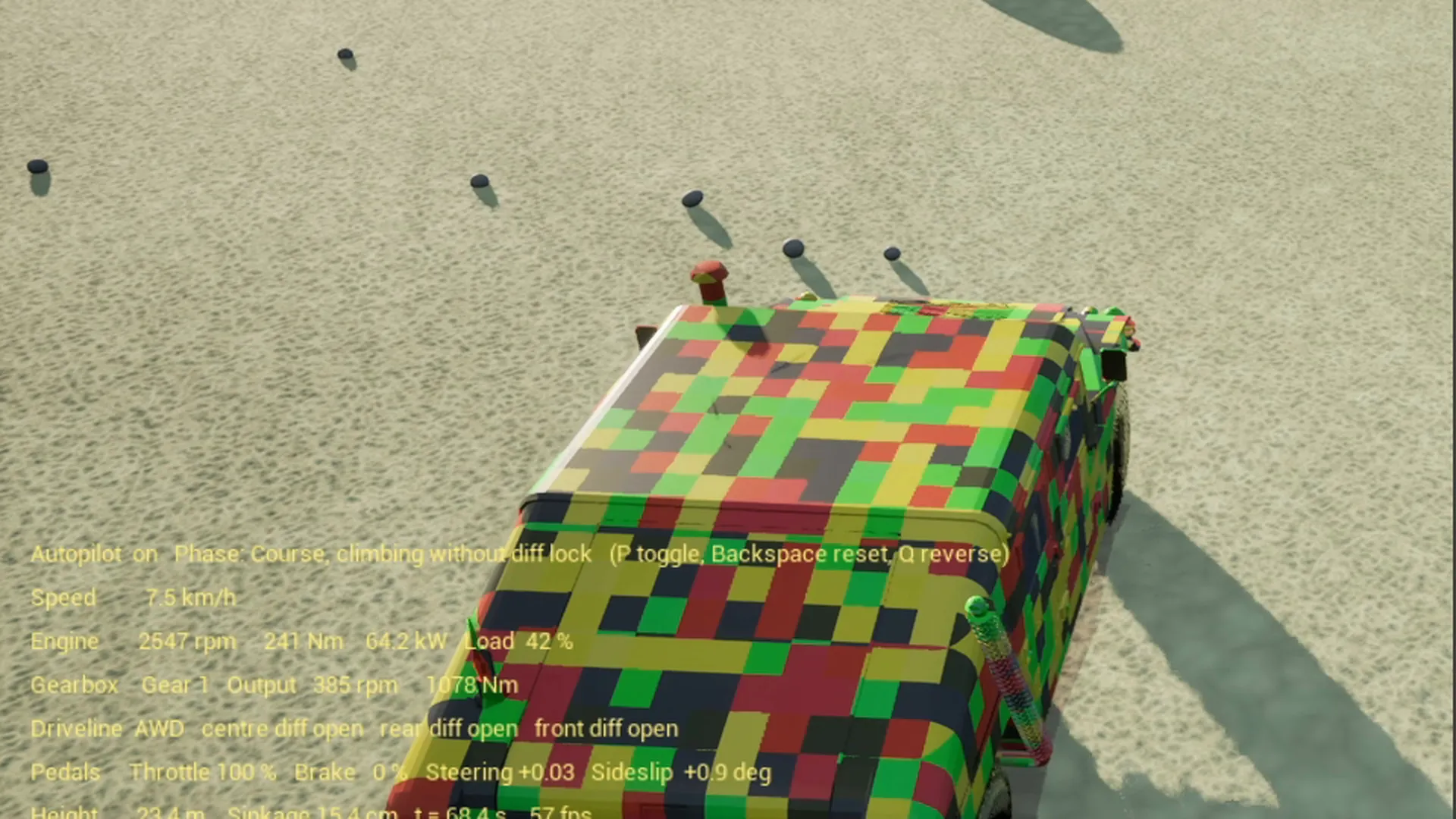
Chrono knows nothing about water and has neither a rebound stop nor a steering stop in the vehicle model. All of that is own code, and all of it follows the same pattern: the force is computed from the Chrono state, in Chrono coordinates, and applied to the affected body through a force accumulator, the chassis or a wheel spindle. Chrono integrates it in the next step like any other force. The vehicle stays a single consistent system, and the reaction, for instance the pull towards the sea when two wheels are running in the water, falls out of the model instead of being built.
The water model: buoyancy at four corners of the chassis against a wave function with swell, point of application above the centre of gravity for the righting moment, water drag per wheel on the submerged tyre area, paddle wheel thrust of the turning wheels with a quarter of the tread force, quadratic damping. The same wave function sets, every frame, the heights and normals of a grid in the sea off the north coast, 166 by 101 points on a 2 metre raster over 330 by 200 metres, as a second section of the sea. The vehicle rocks on the same waves you can see.
The stops: a rebound stop as a limited spring force from 41 cm of extension, a steering stop as a limited torque around the kingpin from 45 degrees, with damping. Why they are needed is in part 3.
The shift logic: the gearbox runs in manual mode, the pawn shifts according to engine speed, turbine speed and driving speed and knows a selector position 2. Converter, shafts and inertias are still computed by Chrono. Only the shift decision sits where it also sits in a real automatic.
Everything from scripts
The level with sun, sky, landscape, world actor and start point is created by a Python script that runs as a commandlet without an editor window. The materials, sand, water, paint, rotor discs, windscreen droplets, are created as node graphs from Python, without a single click in the material editor. The building runs from the command line, the test runs via a script that starts a phase and takes screenshots at fixed times, the recording via a script that starts the game with a countdown, adds OBS Studio® with recording, gives the focus back to the game and cleanly closes both at the end.
The reason is not elegance but auditability. Building an environment that starts, checks and records under script control surfaces errors that are invisible in the code. An agent can only do what a script can do.
The HUD as a measuring instrument
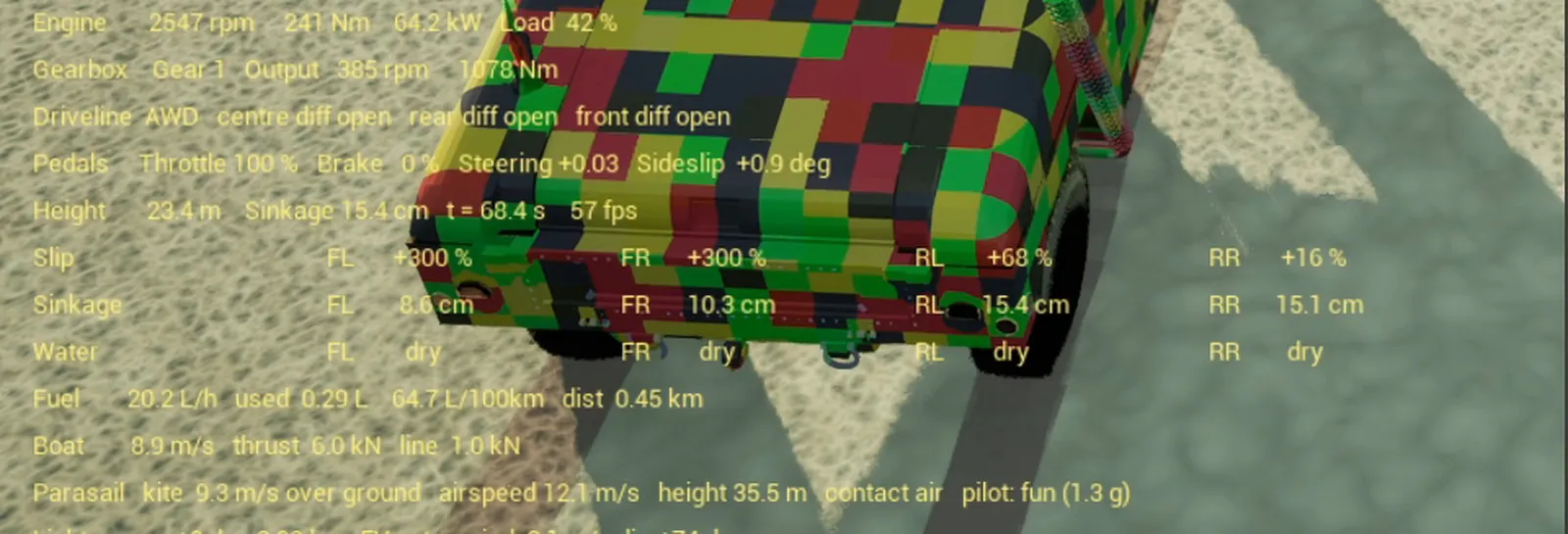
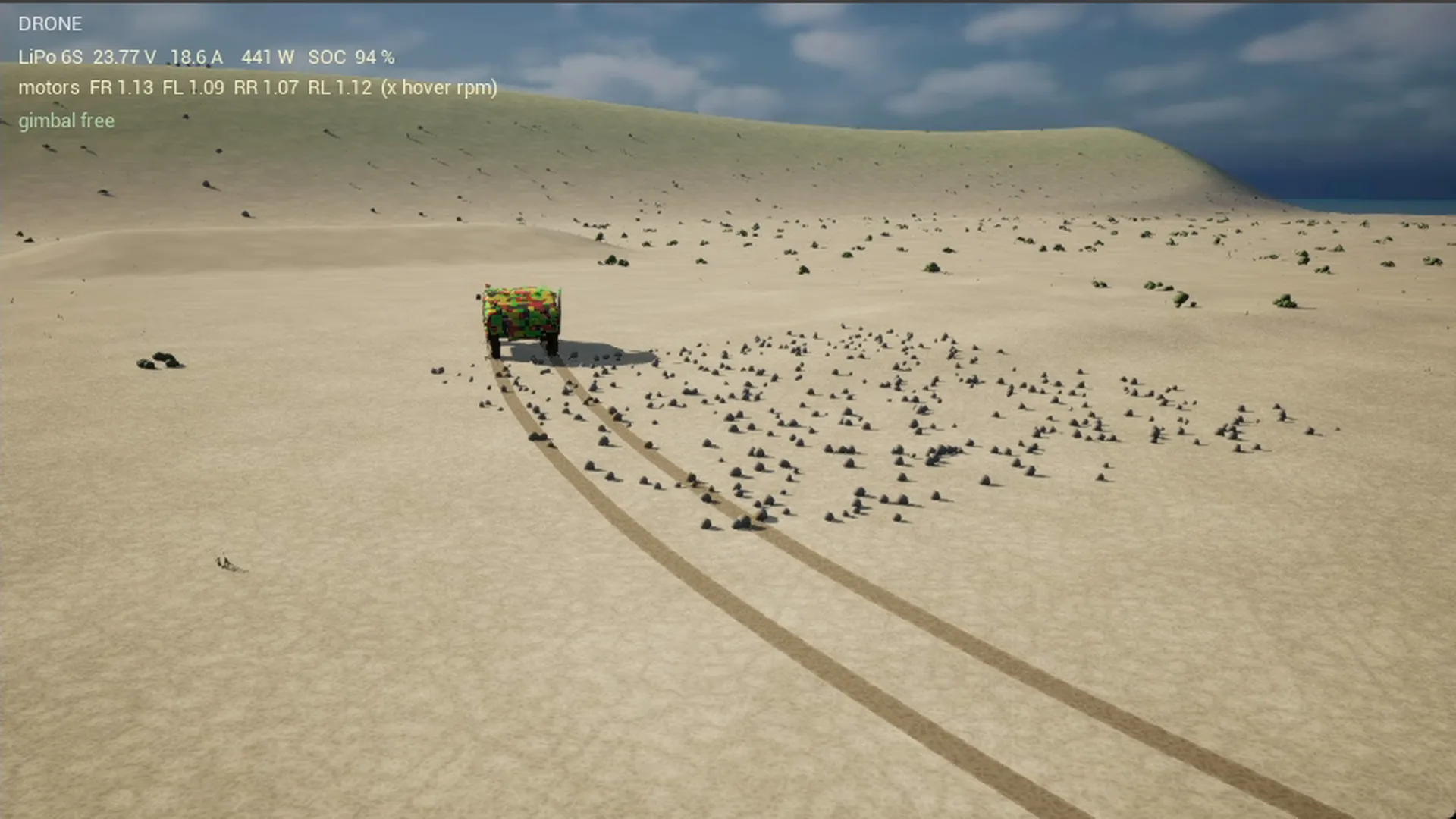
The HUD shows engine speed, torque and load, gear and selector, output torque, pedals, slip and sinkage per wheel, fuel consumption, float angle, plus frame time and, from the NVML library of the graphics driver, utilisation, memory and temperature of the graphics card. In addition two log lines: one per second with mean and maximum frame time, GPU time and Chrono time, and one per outlier above 28 ms with the cost of the individual tick sections. With these two lines all performance problems of the day were found, and most driving problems with the HUD.
Performance
In the shown run 18.6 ms mean frame time, that is 54 frames per second, at 13 ms GPU and 13 ms Chrono; on the course and the dune it is 57 frames, on the north beach 48. The way there: Lumen off, reflections as Screen Space Reflections, additional views without global illumination, tracks discarded after 120 seconds, Distance Field Ambient Occlusion off. The physics was never trimmed. For a driving simulation that is the right order: measure, save on the image, never on the physics.
What all went wrong along the way is in part 3. The models of boat, line and canopy are in part 6, the drone in part 7.
Keywords: Project Chrono Unreal integration, Unreal Engine 5.8 plugin C++, Chrono::Vehicle architecture, Soil Contact Model, Bekker Janosi, force accumulator, fixed time step physics, heightmap landscape, multibody simulation, serious gaming, simulation consulting Switzerland, swissEmbedded
Bringing a physics library into your environment? We integrate simulation cores into visualisation and test benches, with clean interfaces and measurable performance.
Unreal® and Unreal Engine® are trademarks or registered trademarks of Epic Games, Inc. in the United States of America and elsewhere; these articles are neither endorsed nor reviewed by Epic Games. Project Chrono is an open-source project of the University of Wisconsin-Madison and Politecnico di Milano under the BSD-3 licence.